 nico
~ / tools / ascii
free ascii filter
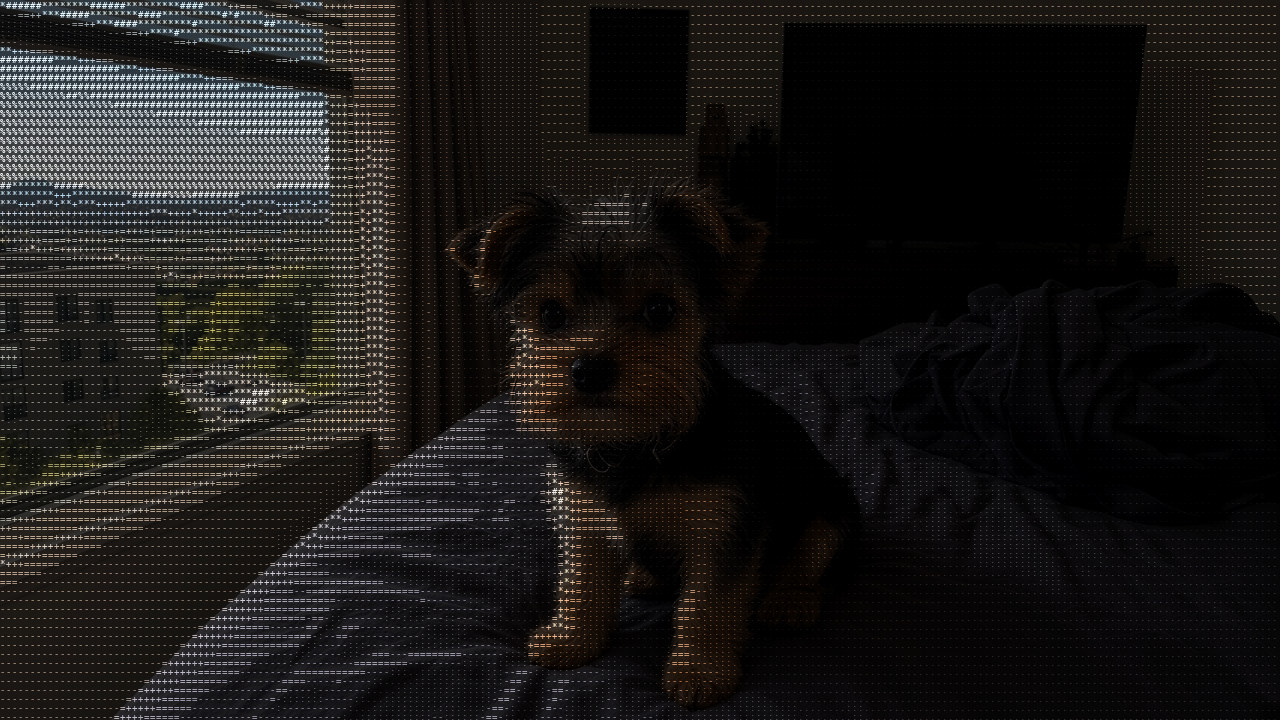
the ascii filter i made for my x avatar and header. drop in a photo, get it back as ascii art made of tiny colored characters. free. no account. nothing gets uploaded.
drag it yourself

 asciioriginal
try it on your photo
runs 100% in your browser. your photo never gets uploaded anywhere.
waiting for a photo.
how it works
it cuts the photo into a grid of tiny cells, 200 across by default. each cell turns into one character picked by how bright it is, from . for the dark stuff up to @ for the bright stuff, painted in that cell's own color. then about a third of the real photo gets blended back underneath so it still reads like a photo and not a wall of text.
i wrote it in python first for my avatar. this page is the same math ported to javascript, checked pixel by pixel against the original. the png you download is full size.
questions people ask
how do i turn a photo into ascii art?
drop the photo in the box above, or tap it and pick one. it turns into ascii art right away. move the detail, contrast and photo sliders until it looks right, then hit download png.
is this ascii filter really free?
yes. no account, no watermark, no trial. i made it for my own avatar and figured other people would want it too.
does my photo get uploaded anywhere?
no. it runs 100% in your browser. the photo never leaves your phone or laptop, so it works for stuff you don't want on some random server.
can i use it for my x profile picture or header?
that's exactly what i made it for. my avatar and header are both run through it. square photos work best for a profile picture, wide ones for a header.
does the ascii art keep the colors?
yes. every character is painted in the color of that spot in the photo, and some of the real photo shows through underneath. slide "photo showing through" to 0 for pure ascii, or check invert for a different look.
what size is the download?
the png comes out the same size as your photo. huge photos get scaled down to 4000px first so your browser doesn't choke.
does it work on a phone?
yes, iphone and android, in safari or chrome. if a heic photo won't open, take a screenshot of it or save it as a jpg first.
can i copy the ascii as text?
not yet. right now it gives you an image. if you'd use a text version, tell me on x.